

If your laptop screen is cracked, flickering or has stopped working, the quickest way to find the exact replacement is to locate the panel part number on the back of your existing screen. This guide explains exactly how to do it.
Why the Part Number Matters
Laptop screens are not universal. Even two laptops of the same brand and size may use completely different panels — different resolutions, connector types, refresh rates and physical dimensions. Searching by the panel part number guarantees you get the exact replacement that will fit and work correctly in your machine.
Step 1: Remove the Broken Screen
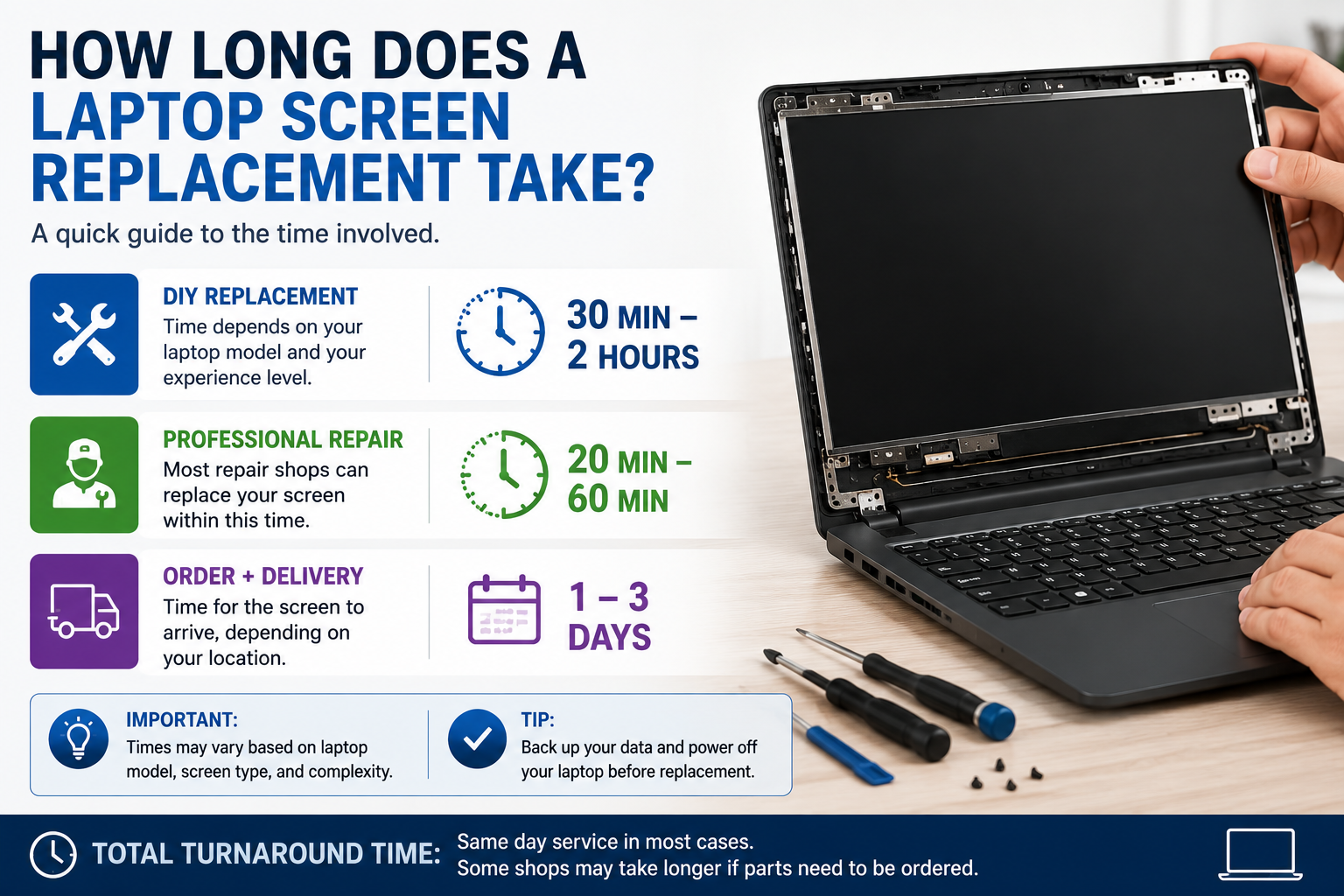
To access the part number sticker, you will need to remove the screen from your laptop. This typically involves:
- Powering off the laptop completely and unplugging it
- Carefully removing the plastic bezel using a plastic pry tool or guitar pick
- Unscrewing the metal brackets holding the panel to the lid
- Gently tilting the panel forward to expose the back
Step 2: Find the Sticker on the Back of the Panel
Once the screen is removed, look at the back of the panel. You will see one or more stickers. The part number looks like one of the following:
- BOE-Hydis: NV156FHM-N4B, NE156QHM-NY1, NE173QHM-NY6
- AU Optronics: B156HAN02.1, B140HAN06.8, B173HAN04.3
- CMO Chimei Innolux: N156HRA-EA1, N140HCG-GQ2
- LG Philips: LP156WFH-SPB1, LP173WFG-SPB3
- Sharp: LQ156M1JW03, LQ156M1JW26
- Samsung: ATNA40YK07-0, ATNA60YV01
The part number is typically labelled as P/N or Model No on the sticker.
Step 3: Search by Part Number
Once you have the part number, search for it on TechnologyVS. We stock over 5,800 laptop screen part numbers with next working day UK delivery and European shipping available.
What If I Cannot Find the Part Number?
Search by your laptop model number found on the bottom of the laptop. Still unsure? Contact us at info@technologyvs.co.uk or call 0208 848 4445 and our team will identify the correct screen for you.




Hinterlasse einen Kommentar
Diese Website ist durch hCaptcha geschützt und es gelten die allgemeinen Geschäftsbedingungen und Datenschutzbestimmungen von hCaptcha.