

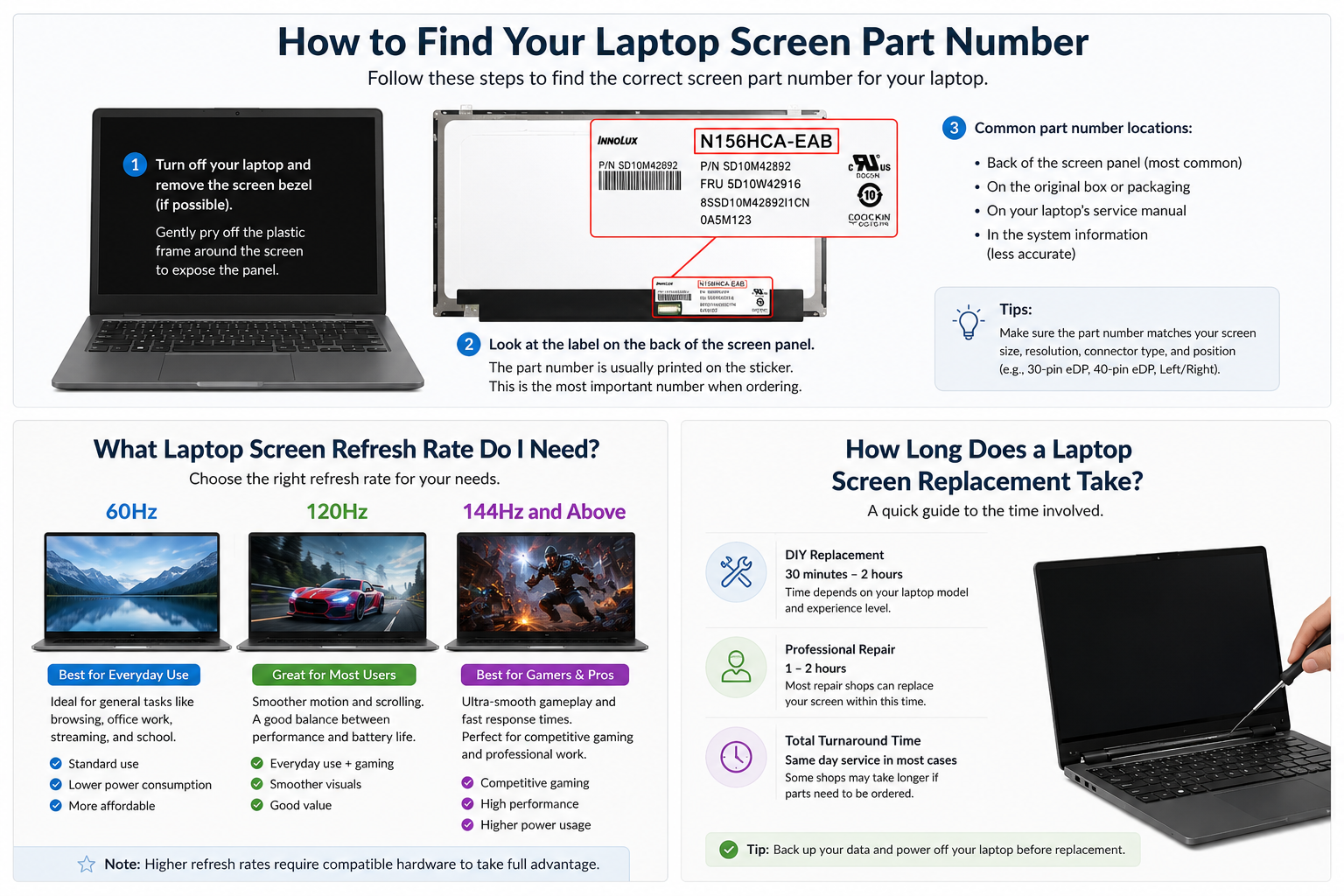
One of the most common questions we get asked is: how long does it take to replace a laptop screen? The answer depends on whether you are doing it yourself or taking it to a repair shop. Here is a realistic breakdown.
DIY Laptop Screen Replacement
Replacing a laptop screen yourself typically takes 20 to 45 minutes for a first-timer, and as little as 10 minutes once you have done it before. The steps involved are:
- Order the correct replacement screen (allow 1-2 working days for UK delivery from TechnologyVS)
- Power off the laptop and unplug it
- Remove the screen bezel using a pry tool — 5-10 minutes
- Unscrew the mounting brackets holding the panel — 2-5 minutes
- Disconnect the display cable from the old panel — 1 minute
- Connect the cable to the new panel and test before reassembly — 2 minutes
- Screw in the new panel and refit the bezel — 5-10 minutes
Most laptop screen replacements require only a small Phillips screwdriver and a plastic pry tool. No soldering or specialist equipment is needed.
Professional Repair Shop
Most repair shops will complete a laptop screen replacement on the same day or within 24 hours, provided they have the correct panel in stock.
Ordering the Right Screen
At TechnologyVS, orders placed before 2:30pm Monday to Friday are dispatched the same day from our UK warehouse, with next working day delivery available.
Search by your panel part number or laptop model at technologyvs.co.uk/collections/laptop-screens to find your exact screen.
Is It Worth Replacing a Laptop Screen?
In most cases, yes. A replacement laptop screen typically costs between £30 and £150 depending on the model and specification — a fraction of the cost of a new laptop. If the rest of your machine is working well, a screen replacement is one of the most cost-effective repairs you can make.






Dejar un comentario
Este sitio está protegido por hCaptcha y se aplican la Política de privacidad de hCaptcha y los Términos del servicio.