
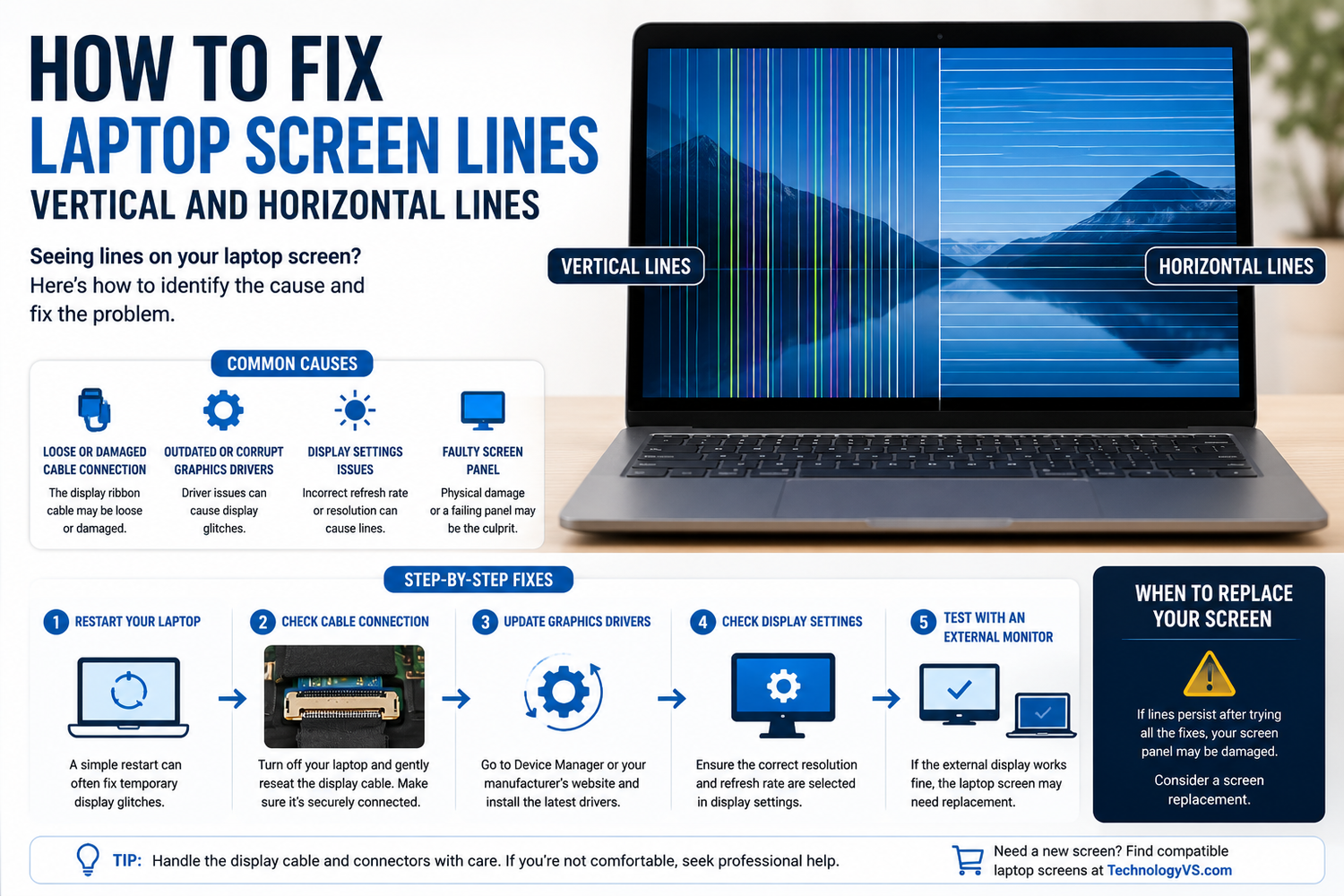
How to Fix Laptop Screen Lines — Vertical and Horizontal Lines
Lines on a laptop screen are one of the most common display faults. Here's how to diagnose and fix them.
Step 1 — Hardware or Software?
Connect to an external monitor. If lines appear there too — it's a GPU/driver issue. If external display is fine — it's the screen panel or cable.
Step 2 — Update Display Drivers
Open Device Manager, expand Display Adapters, right-click and update or reinstall your graphics driver.
Step 3 — Check the Video Cable
Reseat the video cable connection on the back of the screen. If lines change when you flex the lid, a damaged cable is almost certainly the cause.
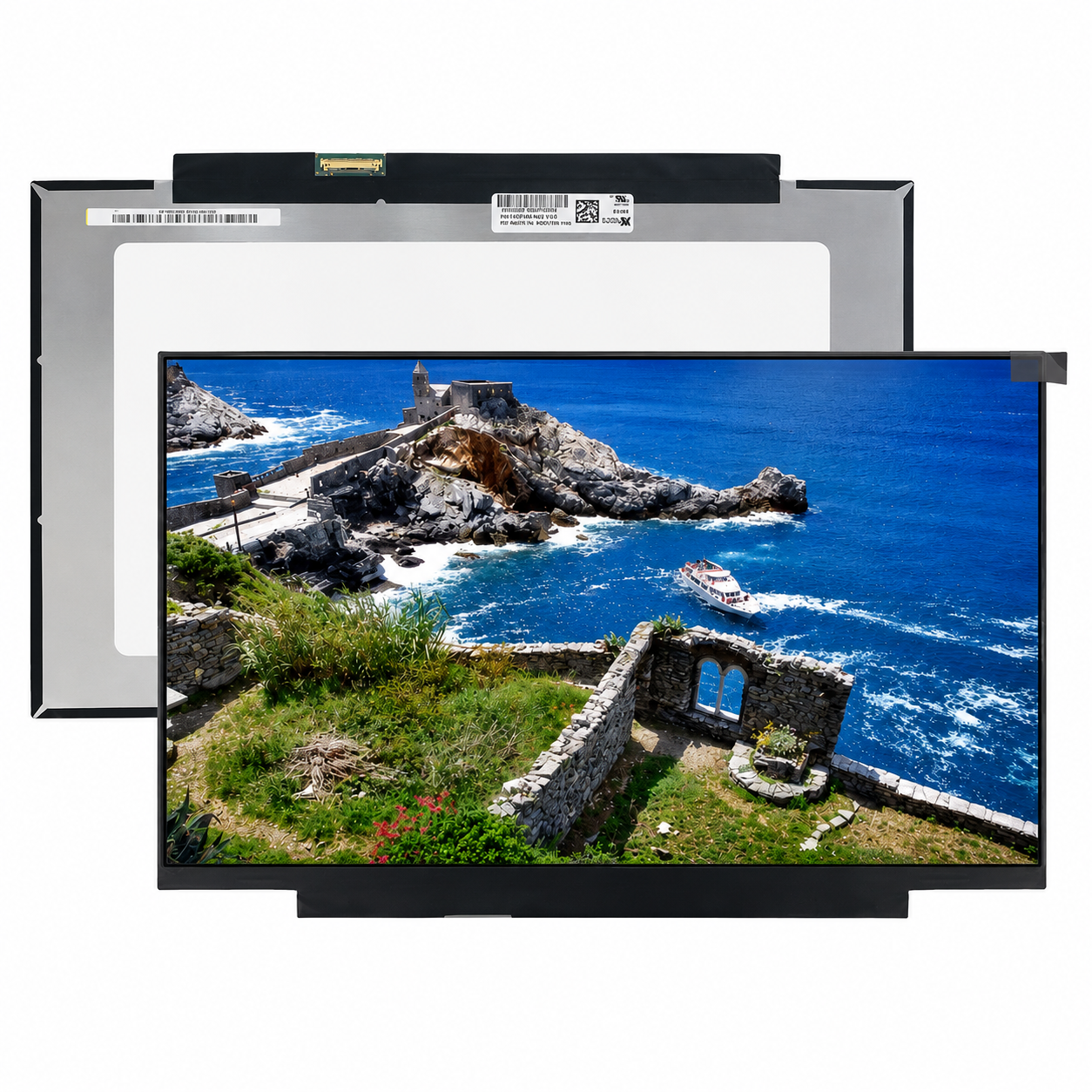
Step 4 — Replace the Screen Panel
If the cable is secure but lines persist, the LCD panel has likely failed. Signs: lines present from boot, visible on BIOS screen, physical damage marks visible.
Browse our full range at technologyvs.co.uk






Hinterlasse einen Kommentar
Diese Website ist durch hCaptcha geschützt und es gelten die allgemeinen Geschäftsbedingungen und Datenschutzbestimmungen von hCaptcha.