
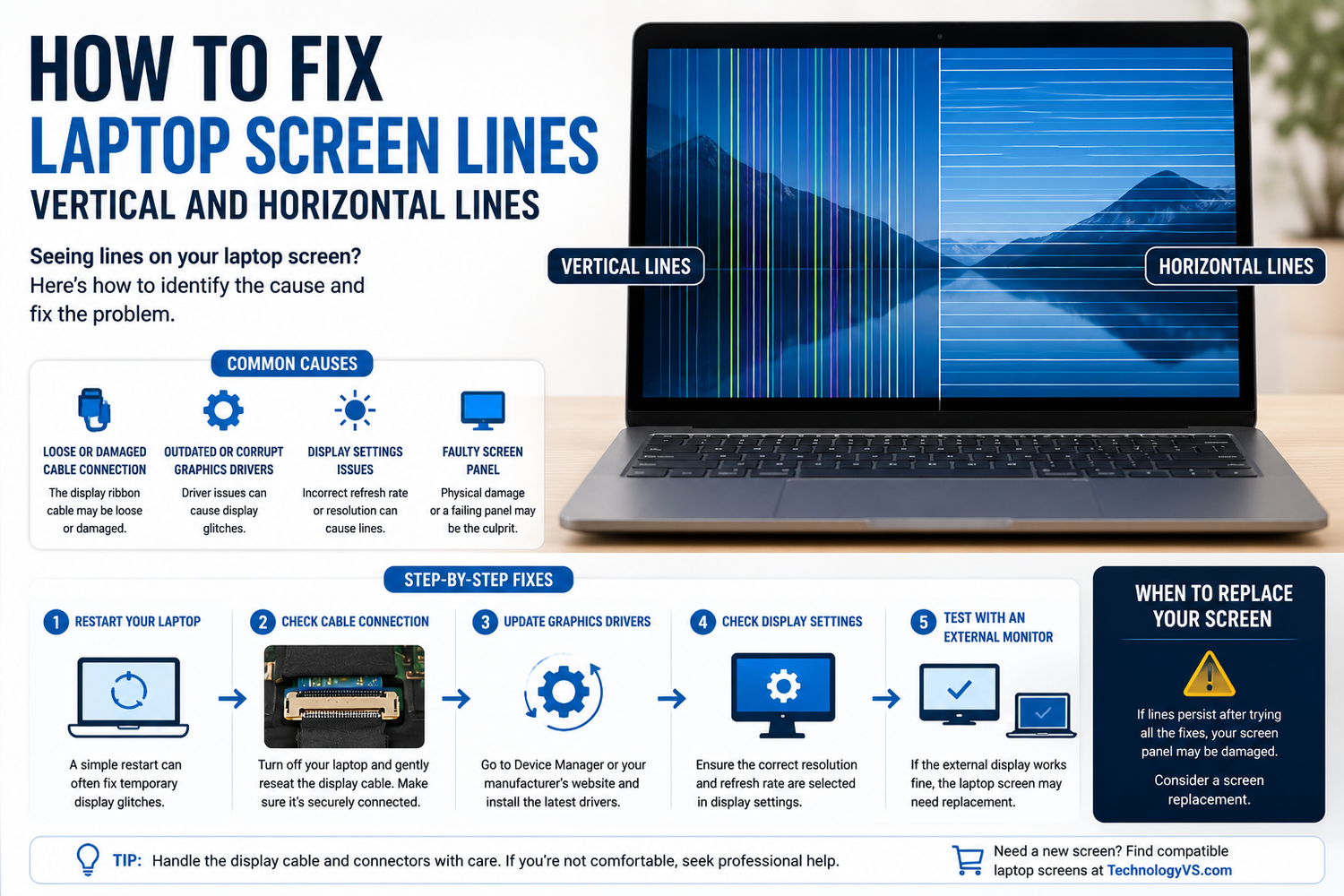
How to Fix Laptop Screen Lines — Vertical and Horizontal Lines
Lines on a laptop screen are one of the most common display faults. Here's how to diagnose and fix them.
Step 1 — Hardware or Software?
Connect to an external monitor. If lines appear there too — it's a GPU/driver issue. If external display is fine — it's the screen panel or cable.
Step 2 — Update Display Drivers
Open Device Manager, expand Display Adapters, right-click and update or reinstall your graphics driver.
Step 3 — Check the Video Cable
Reseat the video cable connection on the back of the screen. If lines change when you flex the lid, a damaged cable is almost certainly the cause.
Step 4 — Replace the Screen Panel
If the cable is secure but lines persist, the LCD panel has likely failed. Signs: lines present from boot, visible on BIOS screen, physical damage marks visible.
Browse our full range at technologyvs.co.uk
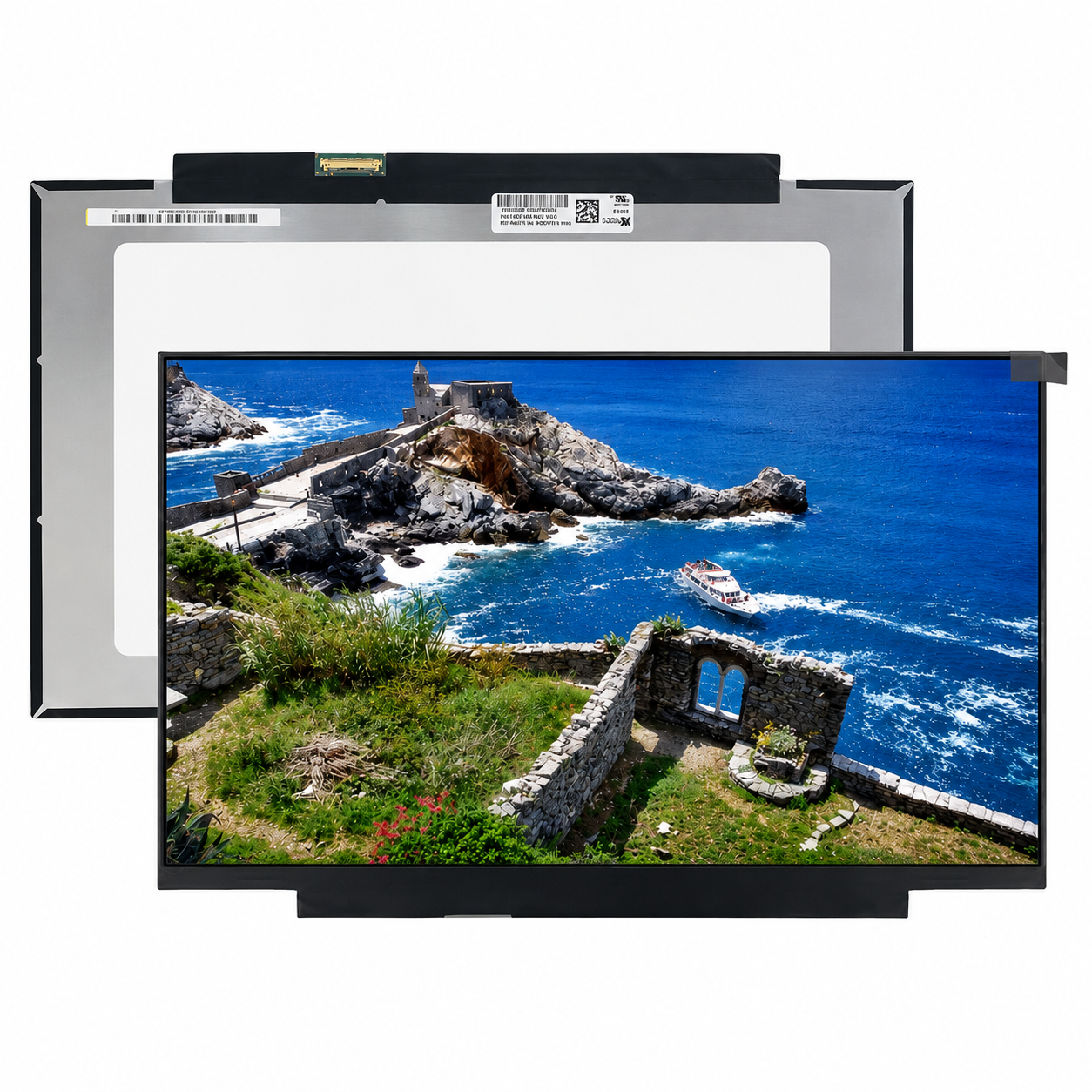
Need a replacement screen? Browse our replacement laptop screens: over 5,000 in UK stock, brand new with a 1-year warranty and same-day dispatch before 2:30pm.






Commenta
Questo sito è protetto da hCaptcha e applica le Norme sulla privacy e i Termini di servizio di hCaptcha.