
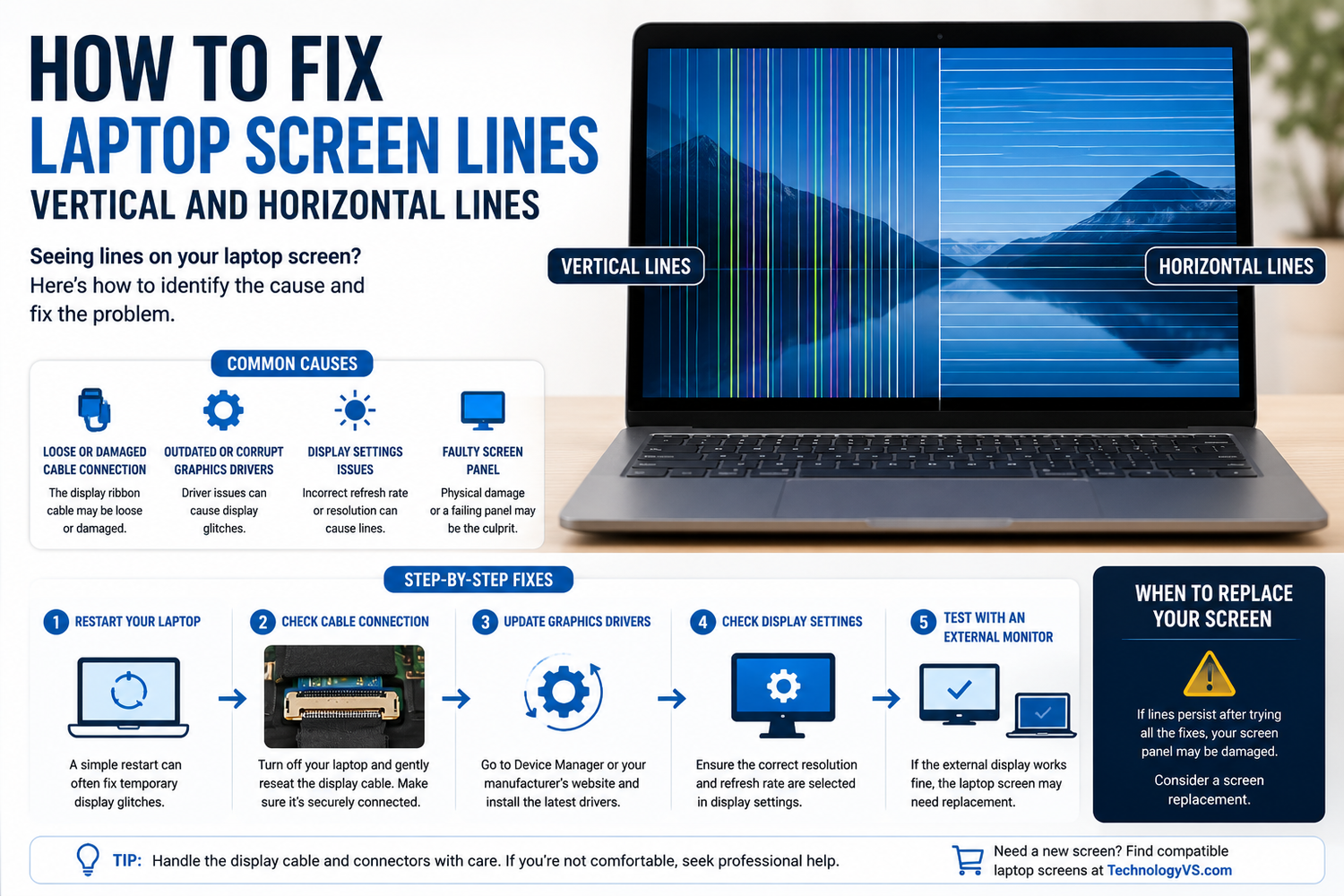
How to Fix Laptop Screen Lines — Vertical and Horizontal Lines
Lines on a laptop screen are one of the most common display faults. Here's how to diagnose and fix them.
Step 1 — Hardware or Software?
Connect to an external monitor. If lines appear there too — it's a GPU/driver issue. If external display is fine — it's the screen panel or cable.
Step 2 — Update Display Drivers
Open Device Manager, expand Display Adapters, right-click and update or reinstall your graphics driver.
Step 3 — Check the Video Cable
Reseat the video cable connection on the back of the screen. If lines change when you flex the lid, a damaged cable is almost certainly the cause.
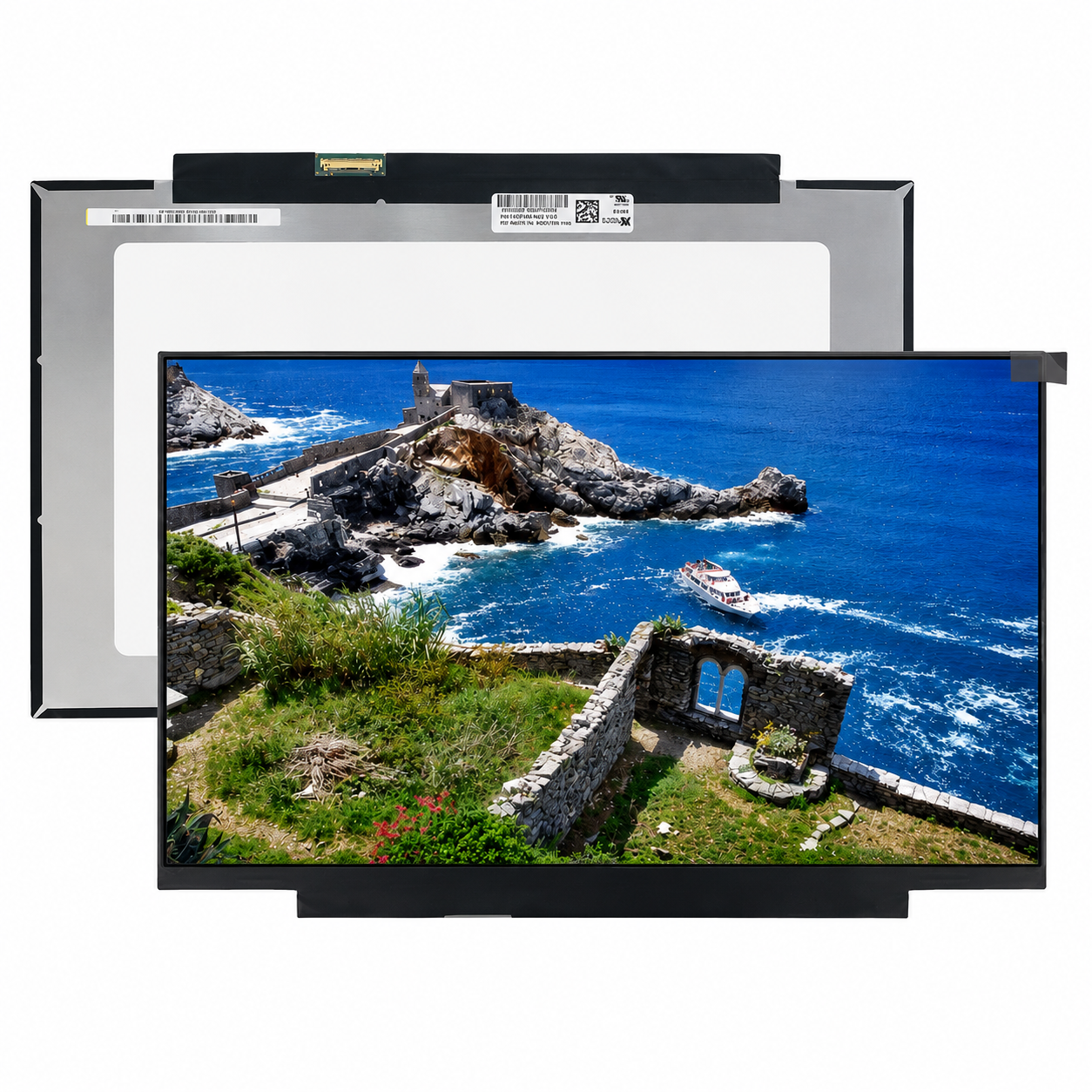
Step 4 — Replace the Screen Panel
If the cable is secure but lines persist, the LCD panel has likely failed. Signs: lines present from boot, visible on BIOS screen, physical damage marks visible.
Browse our full range at technologyvs.co.uk






Leave a comment
This site is protected by hCaptcha and the hCaptcha Privacy Policy and Terms of Service apply.